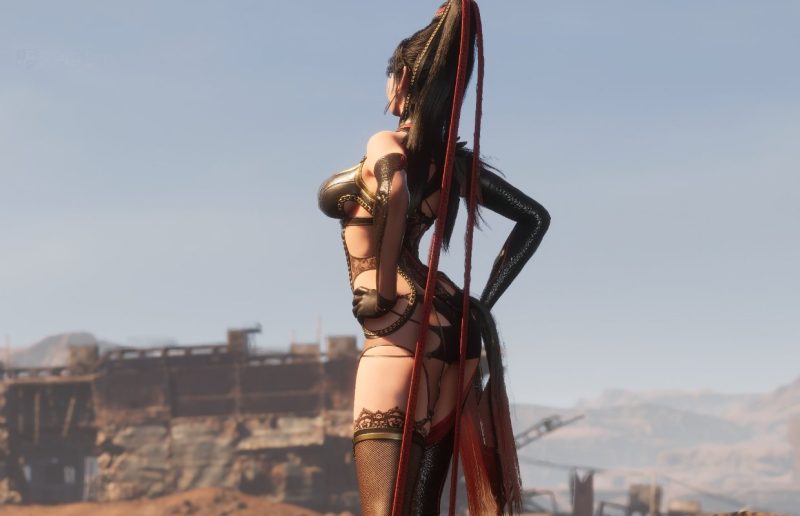
Ever tried a game demo that felt off because of a setting you couldn't change? That's exactly what happened with the Stellar Blade Switch 2 demo. The frame generation was forced on, and for many players, it felt awful. But there's good news: the full game will let you turn it off.
Stellar Blade Complete Edition is headed to Switch 2, and according to the latest info, it will include a frame generation toggle at release. That means you'll finally have control over how the game looks and feels on your shiny new Nintendo hardware.
For those who haven't tried the demo, frame generation is a technique that inserts extra frames to make motion look smoother. On paper, it sounds great. In practice, it can introduce weird artifacts, input lag, or just a generally mushy feel—especially if it's forced on and you can't tweak it. That's the situation with the current Switch 2 demo, and it left a sour taste for some.
Now, with the toggle confirmed for the Complete Edition, players can decide for themselves. Maybe you prefer the smoother look, or maybe you'd rather have a more responsive experience without the generated frames. Either way, the choice is yours.
This is a smart move by the developers. Demos are meant to sell you on a game, and if a forced setting makes it feel bad, that's a problem. By adding a toggle at launch, they're listening to feedback and giving players the tools to tailor the experience.
So if you were put off by the Stellar Blade Switch 2 demo, don't write it off just yet. The full release should give you the flexibility you need. Will you be picking up Stellar Blade Complete Edition on Switch 2 now that you can toggle frame generation?
Comments (0)
Log in to join the discussion
Log InNo comments yet