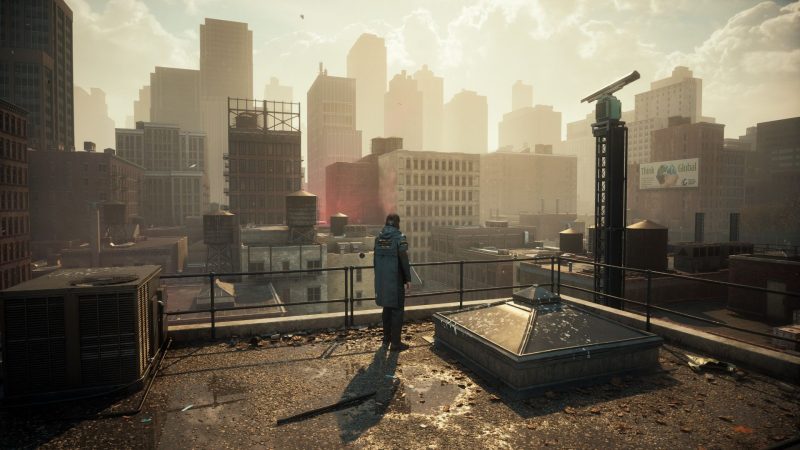
Are you planning to max out Control Resonant's graphics settings? You might want to hold off. According to recent findings, turning everything up to the absolute maximum isn't necessary to enjoy the game's mind-bending visuals. In fact, there are sweet spots to be found—especially if you tweak the ray tracing.
Control Resonant, the latest from Remedy, is known for its striking, surreal environments. But pushing all settings to the limit can tank your frame rate without adding much visual punch. The source notes that lower graphics presets still deliver both performance and beauty. So you don't have to sacrifice smooth gameplay for gorgeous graphics.
The key is ray tracing. By adjusting it, you can find a balance that works for your rig. Maybe you dial it back a notch and gain extra frames per second, or you keep it high but lower other settings. The point is, you have options beyond the max preset.
Of course, everyone's setup is different. What works for one player might not work for another. But the takeaway is clear: don't feel pressured to crank everything to ultra. Experiment with the presets and ray tracing to find your own sweet spot.
After all, the goal is to enjoy the game, not to stress over settings. Control Resonant is designed to be immersive, and a smoother experience often feels better than a slightly prettier but choppy one. So play around with those sliders and see what looks and feels best to you.
What do you think? Will you be tweaking your settings, or are you going all-in on max? Let us know in the comments!
Comments (0)
Log in to join the discussion
Log InNo comments yet