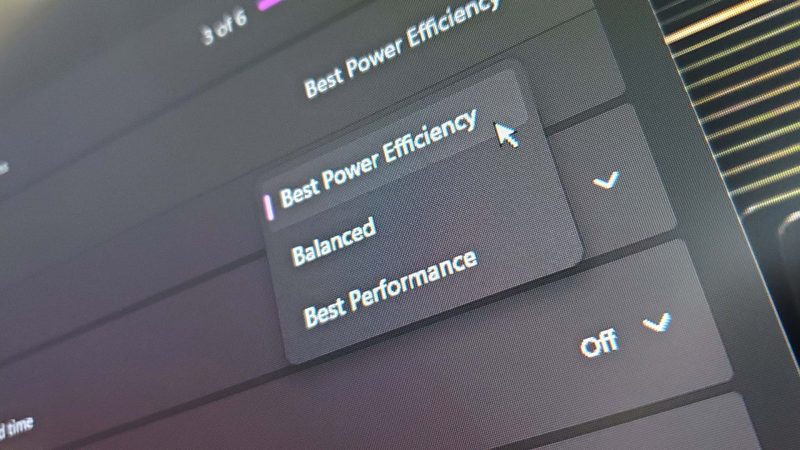
Ever wished Windows Settings was quicker to update and finally merged with Control Panel? You're not alone, and Microsoft might be quietly testing exactly that. A new hidden app called 'Project Odeon' has been spotted on the Microsoft Store, and it looks a lot like the Settings app you know—but with some intriguing differences.
According to Windows Latest, which discovered and investigated the app, 'Project Odeon' shares the same icon as Windows Settings and mimics the familiar interface. To find and install it, you apparently need Windows 11 build 26100 or newer. Even then, it's not easy to spot—our own attempt with developer mode enabled came up empty, so it might also require an Insider build or a specific region.
As expected for an early test, the app has some rough edges: different settings appear, pages are unfinished, and some options are greyed out. But other areas seem more extensive than the regular Settings app. For example, the Display settings page shows details like your monitor's display path, HDR support, and SDR white levels—info you won't find in the standard Settings.
Windows Latest also dug into the executables the app uses and found that the base executable can call on helper ones requiring extra permissions. These seem to be modular add-ons for tasks like changing the time zone or renaming the PC. That modularity hints at a more flexible, update-friendly architecture.
Of course, this could just be Microsoft testing specific functions via the Store for some internal reason, and none of it might translate to a discrete Store-based Settings app. But it's also possible that Settings will eventually become a Store app, which would mean quicker and easier updates than waiting for Windows Update.
If you're still clinging to Control Panel, take note: the fact that more features are being tested in something almost identical to Settings is just more evidence that Microsoft is moving away from Control Panel. Saying goodbye to Control Panel has been on the cards for at least a couple of years, and Microsoft's stance on migrating everything to Settings hasn't changed.
Personally, I'm okay with the shift—as long as Settings lets you do everything Control Panel did, and everything is easily accessible and customizable. And to be fair, many of the Windows 11 changes we've seen recently have been pretty great. What do you think? Are you ready for a Store-based Settings app, or will you miss Control Panel?
Comments (0)
Log in to join the discussion
Log InNo comments yet