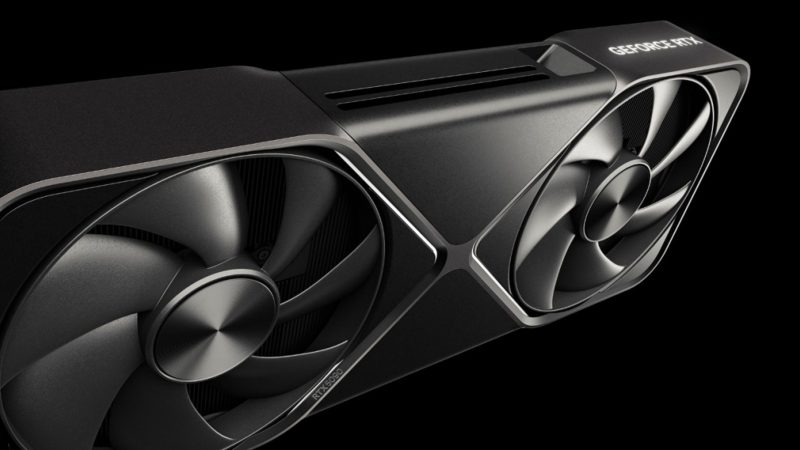
Ever wondered what happens if you could just... tell your graphics card to ignore its own safety limits? Well, someone built a tool for exactly that — and it's already up on GitHub.
A developer going by Panchovix has released something called "nvidia-vbios-vix-editor," a GPU parameter modification tool that goes way beyond what you'd get from MSI Afterburner or ROG Tweak III. Those apps only let you nudge things within safe boundaries. This one operates at the BIOS level, unlocking values the manufacturer never intended you to touch.
Here's the clever part: unlike traditional BIOS modding, this tool uses a virtual overlay approach. It doesn't physically alter the chip that stores your card's BIOS. That means no hunting down sketchy modded BIOS files, no flashing, and none of the brick-your-card risk that comes with a failed flash. Reboot your PC and the card snaps right back to its original state.
The tool is compatible with RTX 50, 40, and 30 series cards. According to the developer's own testing, the RTX 5090's maximum power limit can jump from its default 600W all the way up to 800W. The previous-gen flagship RTX 4090, meanwhile, can be pushed to 671W. That's a whole lot of extra headroom for overclocking experiments.
But before you get too excited, let's talk about the elephant in the room. The RTX 5090 and RTX 4090 both use the 12V-2X6 and 12VHPWR power connectors — connectors that are, to put it politely, fragile. Their stated maximum is 600W, and if anything goes even slightly wrong, an unbalanced load can melt the whole cable. So while this tool may be software-safe, it introduces some very real physical danger. If you're thinking about trying it, assess the risks carefully and make sure you've got proper protection in place.
It's a fascinating piece of tinkering that shows just how much headroom NVIDIA's cards might be hiding. But it's also a reminder that the weakest link in your build might not be the GPU itself — it might be the cable feeding it.
Would you ever risk pushing your card past its factory limits like this? Let us know in the comments.
Comments (0)
Log in to join the discussion
Log InNo comments yet